
A feed built for listening
Hands-free listening with Heard
Start a listen, put your phone away, and keep the audio going. Heard combines a short audio feed with screen-off playback and supported Bluetooth controls.
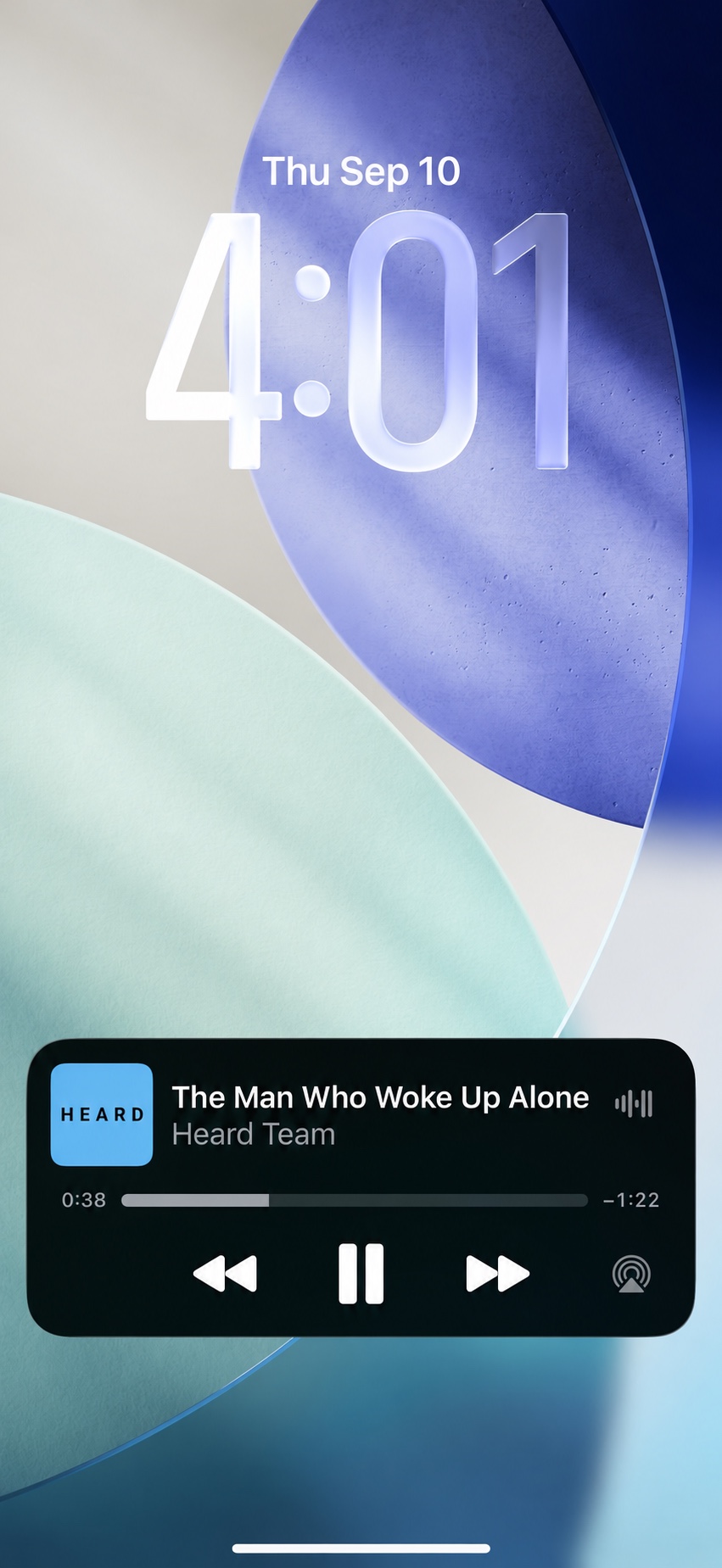
Screen off. Audio on.
A feed usually asks you to keep looking. Heard is built around audio, so listening can continue when your phone screen is off. You can discover a voice or an idea without keeping the app in view for the whole session.
Think of a walk, a quiet stretch of housework, or a break from looking at your phone. Pick your topics and start listening while you have a moment to use the screen, then let the audio accompany what comes next.
What Bluetooth controls do
Heard supports play, pause, and skip through supported Bluetooth headphones and car controls. These controls let you change playback without returning to the app screen each time.
- Play starts or resumes your audio.
- Pause gives you a break when something else needs your attention.
- Skip lets you move through the feed using a supported playback control.
The available buttons and gestures depend on your headphones or car equipment. Check which controls your device provides before relying on them away from your phone.
Set up your listen before you get moving.
- Choose your audio output. Connect the headphones or Bluetooth equipment you plan to use.
- Start with your interests. Choose your topics in Heard and begin listening while you can comfortably use the screen.
- Check playback and controls. Confirm where the sound is playing and try the controls your equipment supports.
- Put your phone away. Let the audio continue with your screen off, pausing whenever you need to focus elsewhere.
If you are driving, make your selections before setting off and use controls only when it is safe. Wait until you are safely stopped to make changes that need the phone screen.
A few practical questions
Do I need Bluetooth for screen-off listening?
Screen-off playback and Bluetooth controls do different jobs. Screen-off playback keeps the audio going when the display is off. Supported Bluetooth controls provide another way to play, pause, or skip without touching the display.
Will every headphone or car button work?
Controls vary by equipment. Heard supports playback through compatible Bluetooth controls; that does not mean every device has the same buttons or gestures. Visit Heard support if you have a question about a particular setup.
What will I be listening to?
Heard brings short, interesting audio together in a varied feed based around the topics you love. Explore how Heard works or compare short-form audio with podcasts to find the listening style that fits your day.